You haven't signed in yet, you can have a better experience after signing in
*Please complete the payment within {{receiveCouponInfo.expire_at}}Previous use*
You haven't signed in yet, you can have a better experience after signing in



Activity Rules
1、Activity time:{{ info.groupon.start_at }} ~ {{ info.groupon.end_at }}。
1、Activity time:cease when sold out。
2、Validity period of the Group Buying:{{ info.groupon.expire_days * 24 }} hours。
3、Number of Group Buying:{{ info.groupon.need_count }}x。
Please Pay Attention
1、Teamwork process: Join/initiate a Group Buying and make a successful payment - Within the validity period, the number of team members meets the activity requirements - Group Buying succeeded!
2、If the number of participants cannot be met within the valid period, the group will fail, and the paid amount will be refunded in the original way.
3、The number of people required and the time of the event may vary among different products. Please pay attention to the rules of the event.
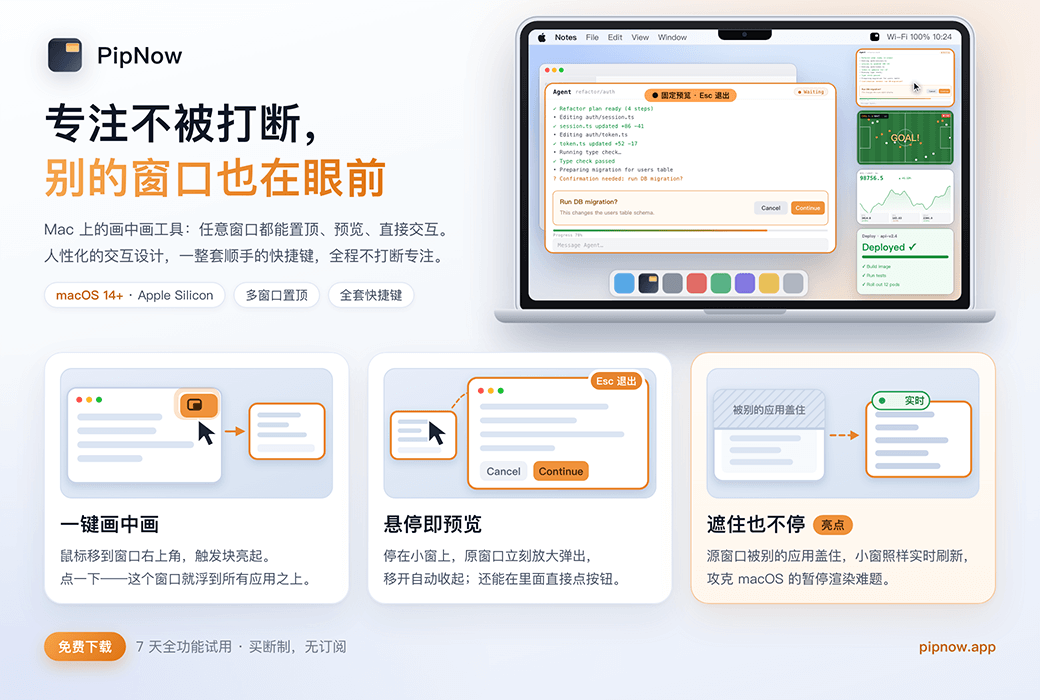
PipNow 让一切尽收眼底!
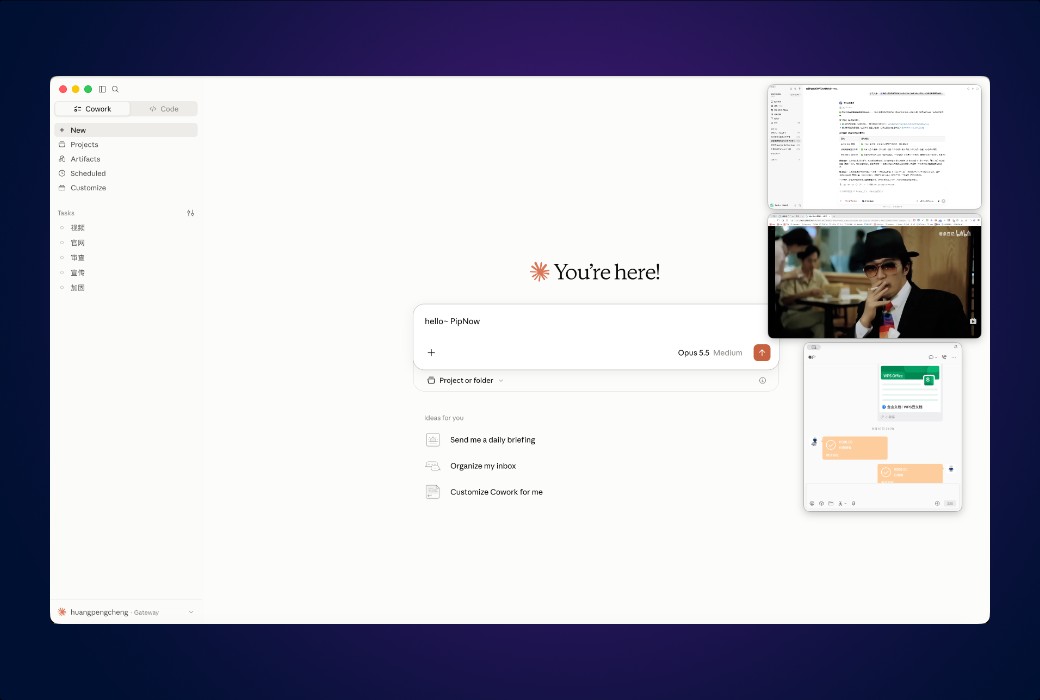
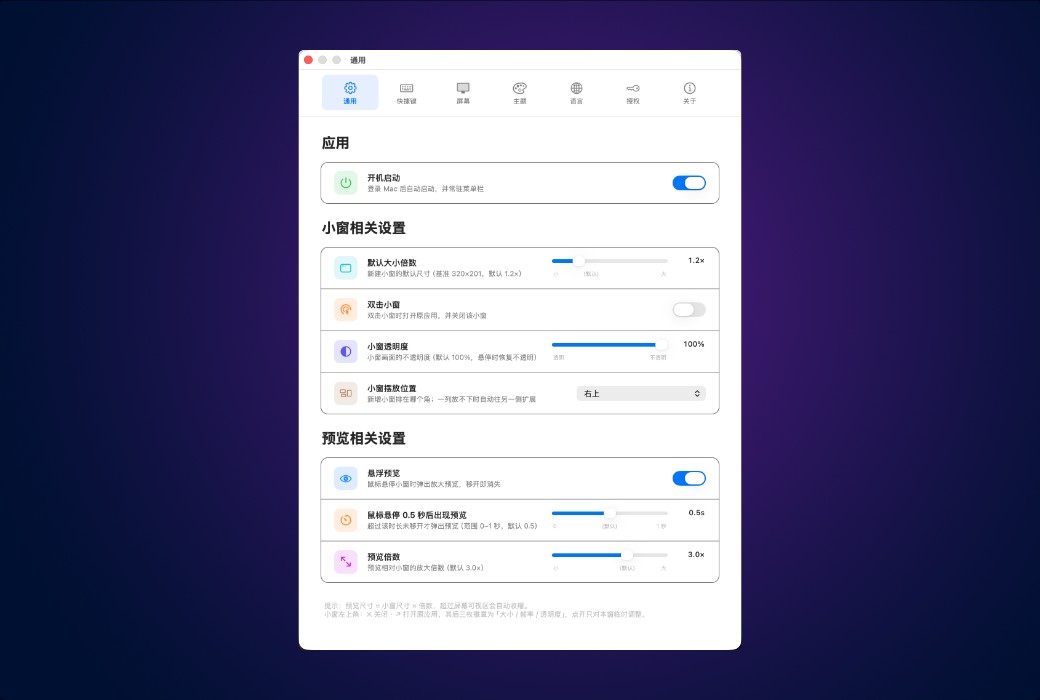
把任意窗口变成悬浮小窗(画中画),钉在所有应用之上 — 不止视频,任何应用都行。切来切去的烦恼,一次解决。
三个核心设计,不再让切换应用打断心流!
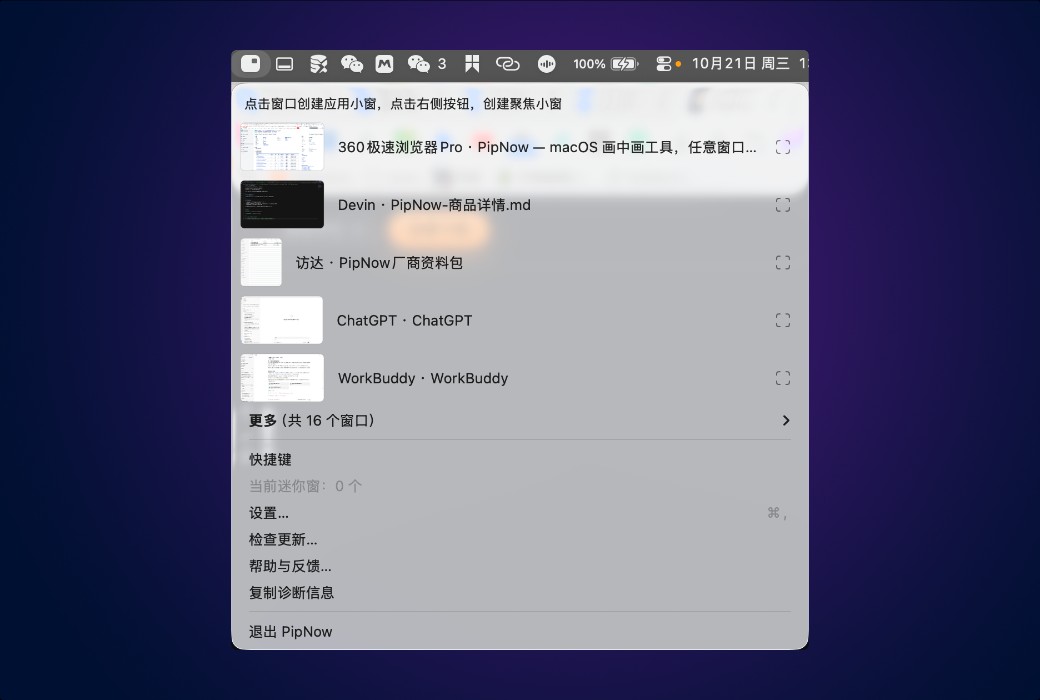
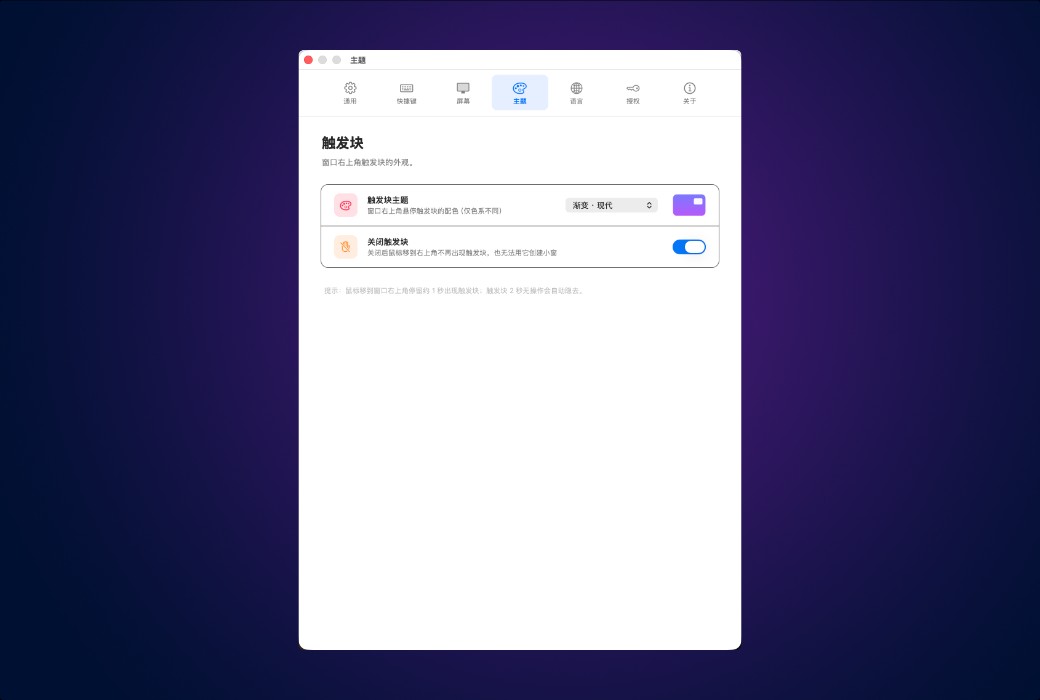
鼠标移到任意窗口右上角停留片刻,触发块亮起——点一下,这个窗口立刻变成悬浮小窗,钉在所有应用之上。
鼠标悬停在小窗上,原窗口画面即时弹出;移开即收起。看一眼状态,不打断手头的事。
单击小窗把预览固定在屏幕中央,再直接在预览里点击、输入 — 按钮照点、消息照回,原应用从未离开。
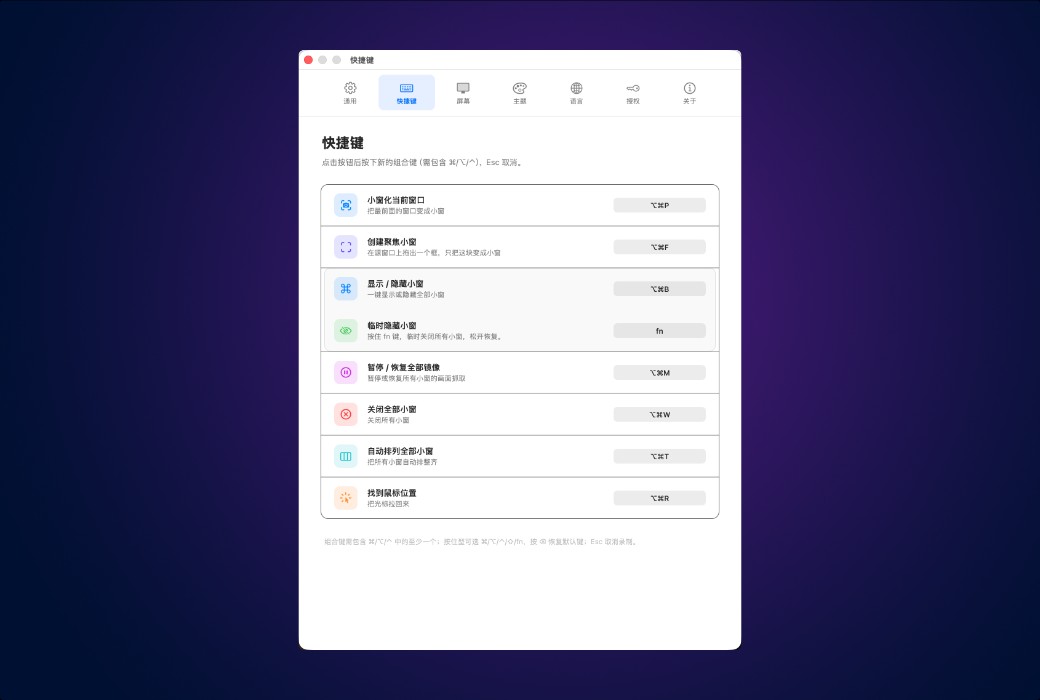
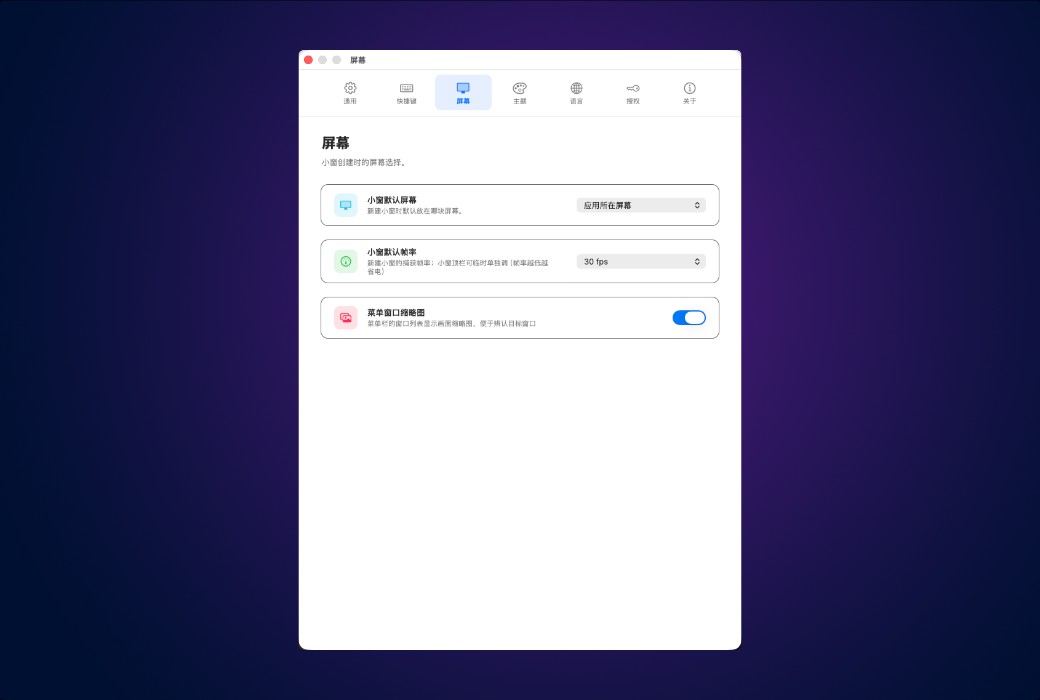
更多贴心功能
小细节加起来,就是不用再切换。
不只是画中画
同样是小窗,PipNow 还能预览、能操作、被遮住也不停。
官方网站:https://pipnow.app/
发货时间:24 小时自动发货
运行平台:macOS
界面语言:支持中文界面显示,多语言可选。
更新说明:一次买断,终身免费更新。
买前试用:购前可免费试用。
如何收货:购买后,激活信息会以邮件的形式发送到下单时的邮箱,同时可在个人中心,我的订单中查看对应的产品激活码。
设备数量:根据购买的版本而定。
更换电脑:授权与设备绑定。换机前需在原设备上解除绑定,否则新设备无法激活。
激活引导:待添加。
特殊说明:待添加。
参考资料:https://pipnow.app/

Any question